
(00) Connected intelligence Software — Security — Automation — Living Homeowners · Retail · SMBs

We connect the digital to the real world.

Apps, software, cameras and smart homes, designed and installed by a single team. Every piece works with the others.

  1. 01Build.
  2. 02Connect.
  3. 03Protect.
  4. 04Automate.
  5. 05Evolve.
01 / 05

Web apps, mobile apps and software designed around how you actually operate.

Software · Web · Mobile

Your phone, your home and your tools finally speak the same language.

Integration · Connected home

See what’s happening, get alerted, respond with one tap. Wherever you are.

Cameras · Surveillance · Access

Repetitive tasks disappear. Your processes run on their own.

Processes · Buildings · Stores

After delivery, we stay. Your system grows with you.

Support · Maintenance · Evolution

Technology should make life simpler. Not the other way around.

(03) Build — Web · Mobile · Software

Software people actually want to use.

We remove the repetitive tasks, the files that contradict each other and the phone calls that could have been a button.

Customer platforms, bookings, dashboards and employee portals, accessible anywhere.

Customer platforms / Bookings / Dashboards / Employee portals / E-commerce

iOS and Android apps for your customers and your field teams.

iOS / Android / Field teams / Customer apps / Notifications

When no off-the-shelf software fits how you work, we build yours, connected to the tools you already use.

Internal tools / Automation / Integrations / Reports — React · Swift · Kotlin · .NET · PostgreSQL · Azure

Your home.
Smart by nature.

(04) Live — Tap a point
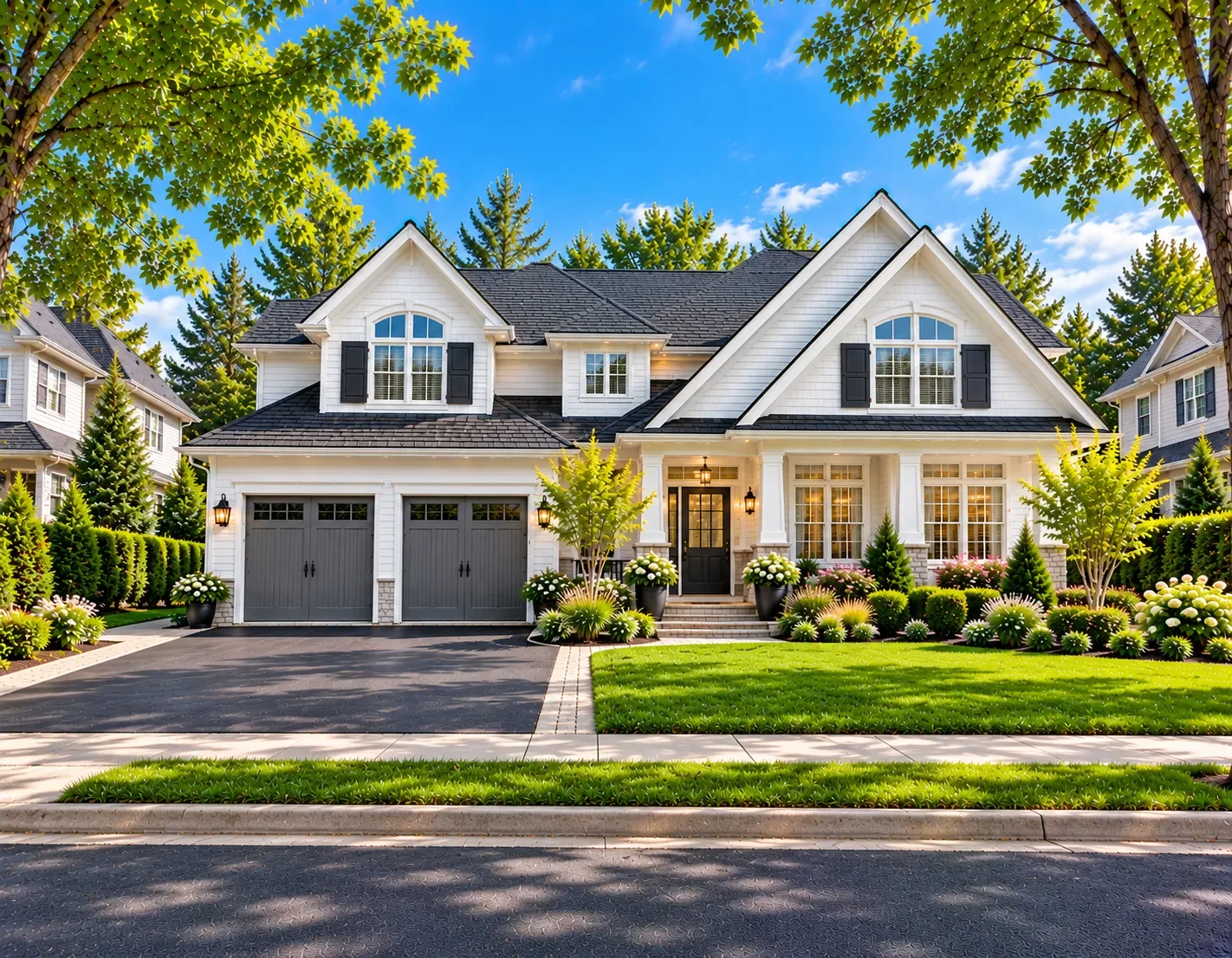
Front of a white house with a double garage on a sunny day
Living room 40% · Entrance 60% Lighting

Lighting follows the time of day and your habits. No more hunting for the switch.

21 °C · Comfort mode Climate

Every room at the right temperature, at the right time, without heating for nothing.

4 cameras · Armed Security

The cameras keep watch and only alert you when it matters.

Front door · Locked Access

Let in the courier or family remotely. Know who comes in, and when.

Real-time consumption Energy

See what’s using power and let the house cut the waste.

“Leaving” · Ready Scenes

One tap on your way out: everything turns off, locks and arms.

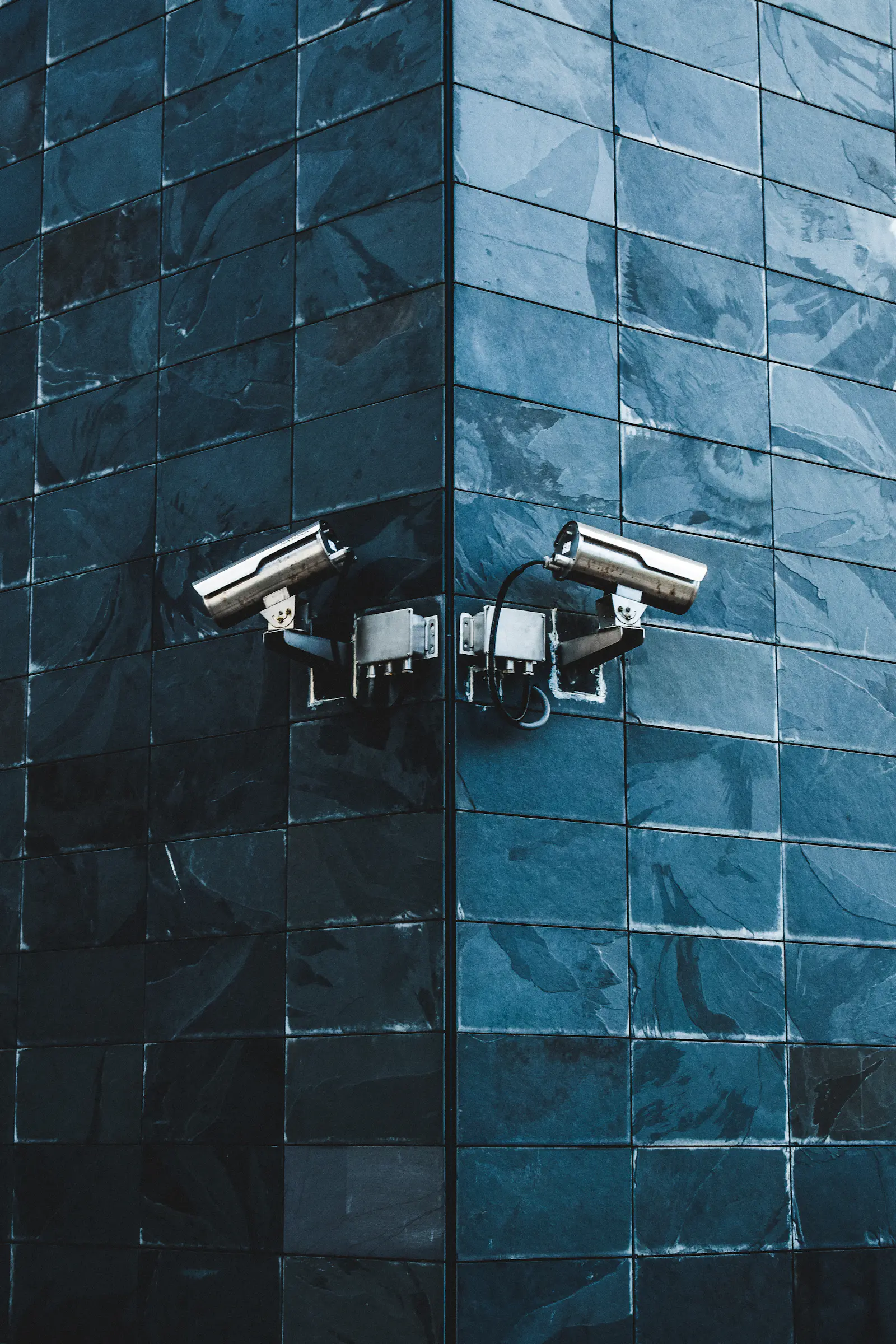
(05) PROTECT · CAM 01 · ENTRANCE

See.
Control.
Protect.

You don’t need to understand the technology. You want to know everything is fine, and be alerted when it isn’t.

Advise—Install—Configure—Explain—Support
ORAH · NOW Motion detected Main entrance
ResidentialIndoor and outdoor cameras, video doorbell, phone alerts, recordings you can review anytime.
CommercialMulti-site IP cameras, local recorder with cloud backup, a configured and secured network, per-employee access.
After installationWe show you how everything works, then stay available to fine-tune and maintain it.
(06) Automate — For SMBs

Before. After.

Drag the line. It’s the difference between a business chasing information and a business where information comes to you.

Before quote_v3_FINAL(2).xlsx Re: Re: Fwd: urgent order Sticky note: call the customer back Paper binder — invoices Manual entry × 3 Where’s the latest version? Info spread across 4 tools Printed schedule, scribbled over
After
01
Centralized app
Everything in one place
02
Automation
Tasks run on their own
03
Dashboard
A clear, up-to-date view
04
Notifications
The right info at the right time
05
Accessible data
At the office or in the field
06
Connected processes
Your tools talk to each other
(07) For you, at home

Homeowners

  • Secure your home
  • Automate your home
  • Control every device from a single app
  • See everything remotely
Talk about my project →
For your business

Retail and SMBs

  • Automate processes
  • Internal software and customer platforms
  • Monitor your premises
  • Connect and centralize information
Talk to an expert →

From idea to a solution
that works.

(08) Seven steps · Scroll ↓Swipe →
  1. 01 Discovery We discuss the need, the problem and your goals.
  2. 02 Strategy We choose the best solution, even when it already exists.
  3. 03 Design Experience, architecture, design and planning. You see it before we build it.
  4. 04 Development / Installation We build the software or install the equipment.
  5. 05 Testing We make sure everything works in real-world conditions.
  6. 06 Delivery Go-live, and we show you how to use everything.
  7. 07 Ongoing support Support, maintenance and improvements, for as long as you need.

One partner.

One connected ecosystem.

Work

Concept projects shown as examples.

01 — Web platformConcept project
Doctor reviewing digital patient records on a laptop

Booking portal for a clinic

Problem
Appointments are booked by phone, and last-minute cancellations leave empty slots.
→ Solution
A portal where patients book, reschedule their appointments and get automatic reminders.
→ Target impact
Fewer calls, fewer lost slots.
Next.js · PostgreSQL · SMS
02 — Mobile app · Concept project

Job-site tracking for a contractor

Problem
Photos, hours and notes get lost between text messages and paper.
Solution
An app where the crew logs every day, with a customer report generated automatically.
Target impact
A complete file for every job site, with no re-entry.
Two site managers reviewing a laptop on a construction site
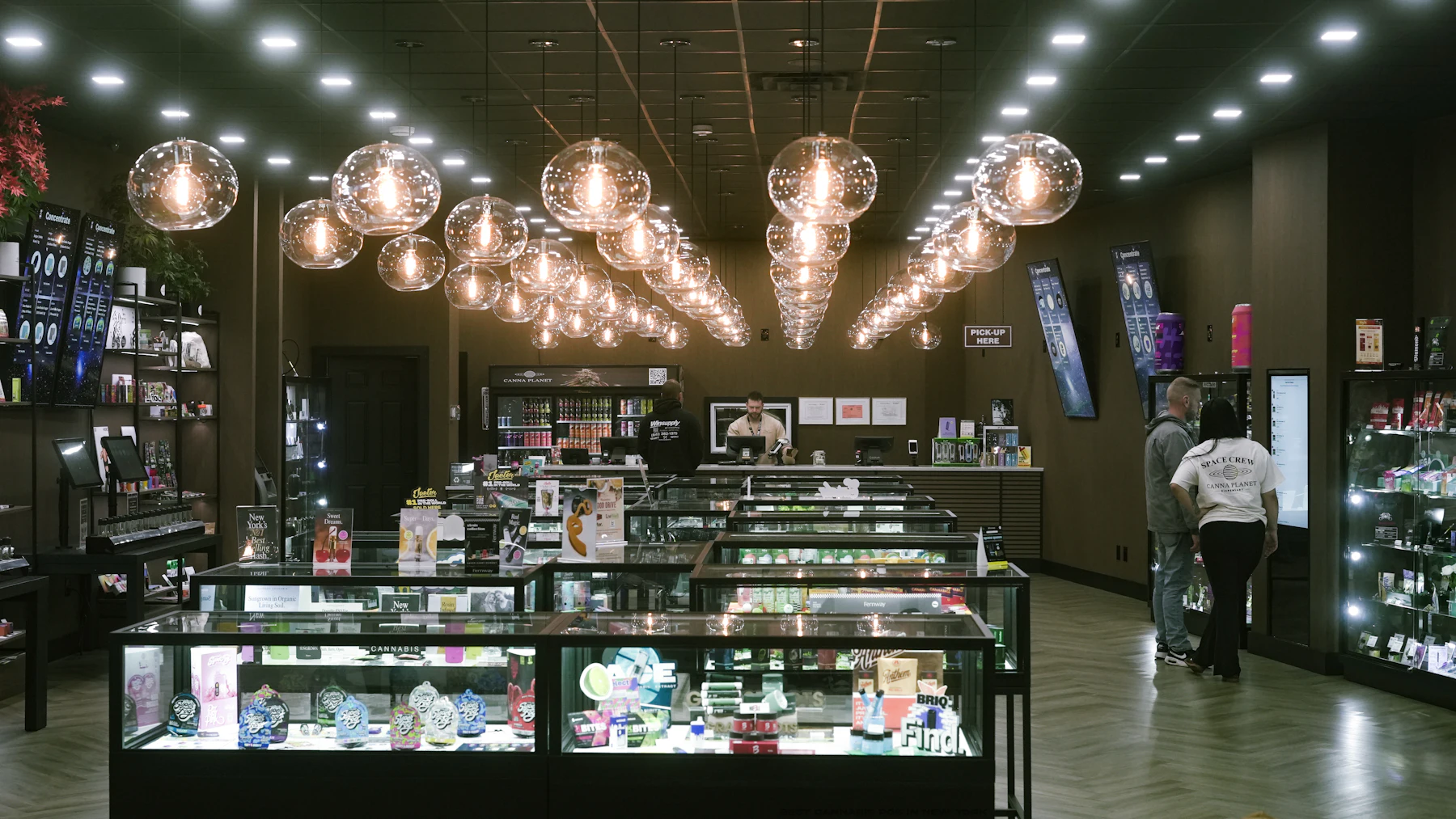
Store interior seen through a security camera CAM 03 · CHECKOUT
03 — Security · Concept project

Surveillance for a two-storey store

Blind spots, an old recorder, no remote access. → IP cameras, cloud backup and after-hours alerts. → See the store live, from anywhere.

04 — Smart home · Concept project

One home, one app

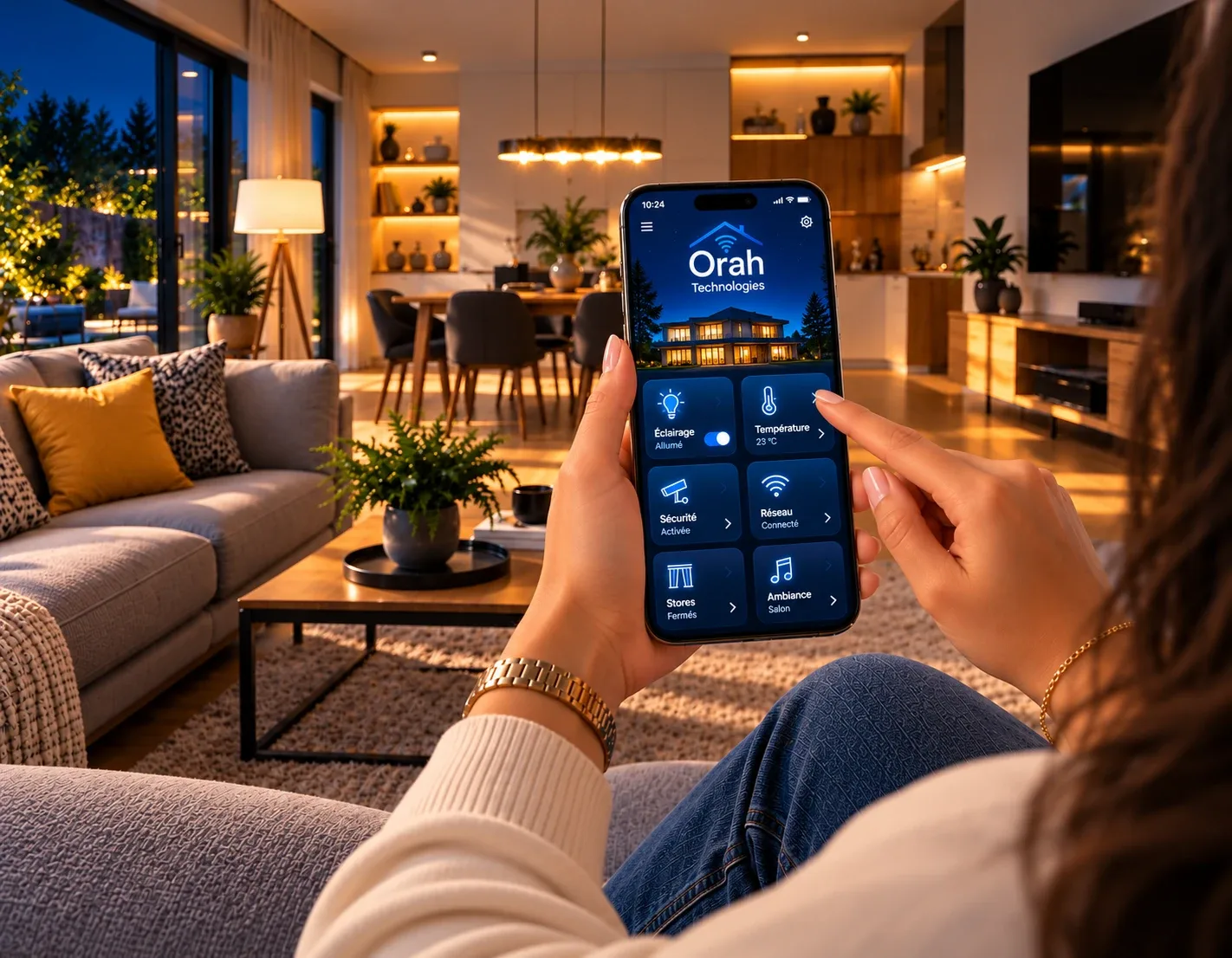
Five apps for heating, lights and the doorbell. → One unified system and simple scenes. → A home you control with one tap.

Home Assistant · Zigbee · smart thermostats
Person controlling their living room lighting and temperature with the Orah app
(11) Your project

Got an idea? Let’s build the technology behind it.

Step 1 of 3
What would you like to create?
You are…
When do you need it?
Tell us about your idea.